
Logo Design
Creative Interior Design Logos: How to Make Your Brand Stand Out?
Topic started 2 years
Last Post 2 years ago
October 25

Adobe Illustrator is a powerful and versatile tool for creating vector graphics, such as logos, icons, and illustrations. Icons are small symbols that represent an object, action, or concept. They are widely used in web design, app design, and user interface design to enhance the visual appeal and usability of the product. In this article, we will introduce you to 8 of the best icon sets that you can use with Adobe Illustrator. These icon sets are free, high-quality, and customizable, and cover various categories and styles.
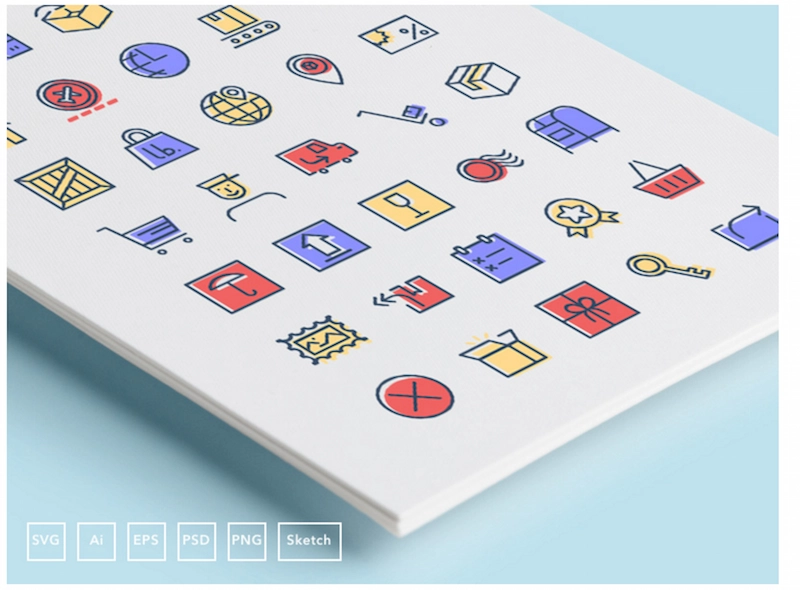
If you are working on an e-commerce or delivery app, you will need icons that represent the different stages of the checkout and delivery process. Checkout & Delivery Icons is a set of 50 icons that cover everything from payment methods, shipping options, tracking, and feedback. The icons are simple, elegant, and easy to customize.
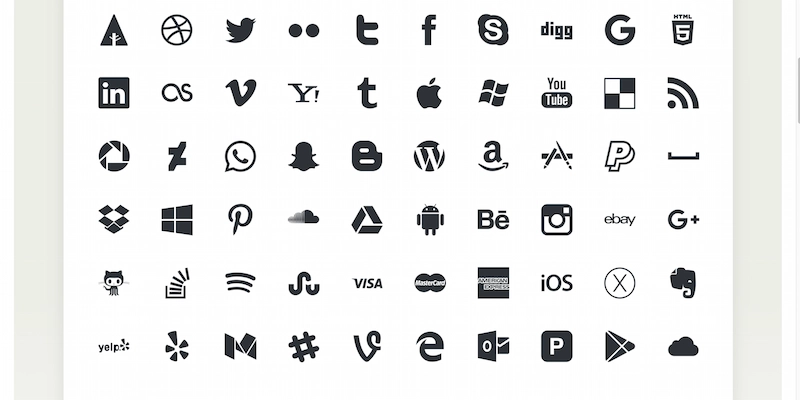
Social media is a huge part of any online presence. You need icons that can link to your social media profiles and platforms. Picons—Social Media Vector Icons is a set of 60 icons that cover the most popular social media networks, such as Facebook, Twitter, Instagram, YouTube, and more. The icons are sleek, modern, and scalable.
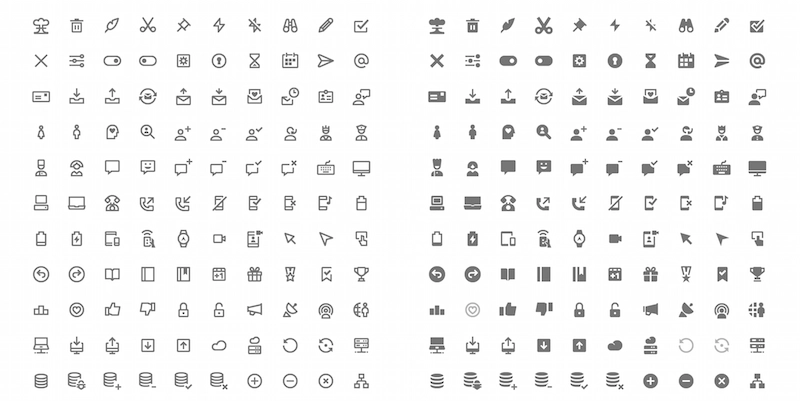
Google Material Design is a design system that aims to create a consistent and intuitive user experience across different devices and platforms. 350 Vector Icons—Google Material Design is a set of 350 icons that follow the principles and guidelines of Google Material Design. The icons are minimalist, colorful, and versatile.

If you are looking for a unique and creative icon set, you might want to check out Vio Late. Vio Late is a set of 100 icons that have a distinctive violet color and a geometric shape. The icons are suitable for web, app, or print design. They can add a touch of personality and flair to your projects.
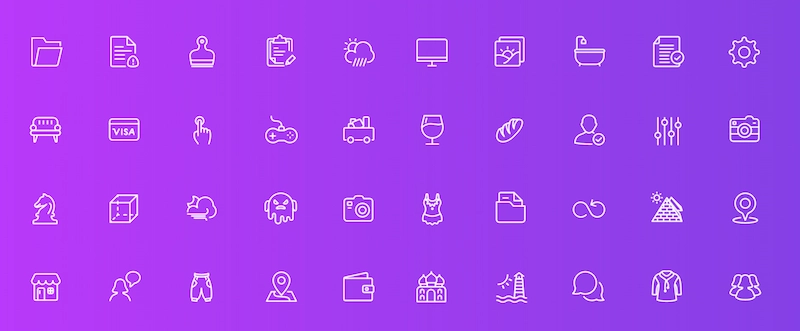
Squid Ink—Line Icons is a set of 2000 icons that have a thin and elegant line style. The icons cover a wide range of categories, such as business, education, food, health, sports, and more. The icons are perfect for web, app, or logo design. They can be easily adjusted to fit your color scheme and size.
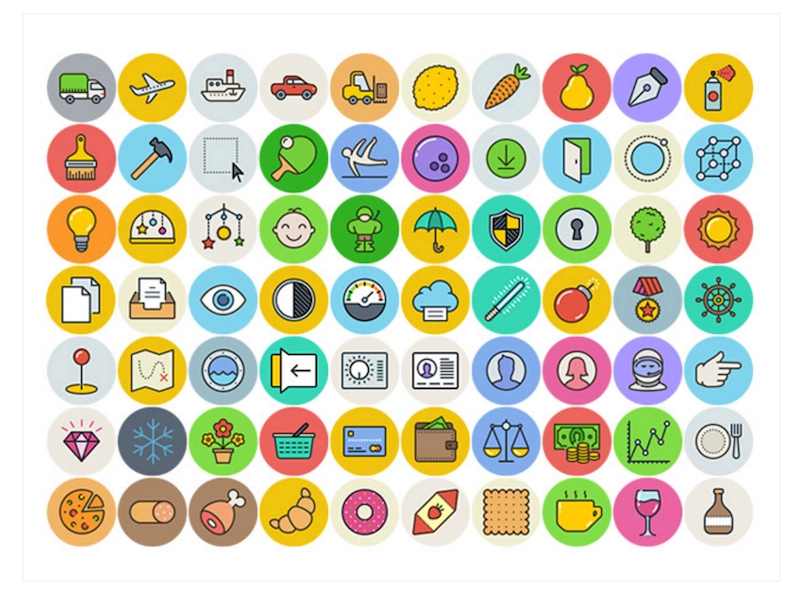
UniGrid—100 Flat Icons is a set of 100 icons that have a flat and simple design. The icons are based on a 60px grid and have a uniform shape and style. The icons are ideal for web, app, or infographic design. They can be easily modified and combined to create new icons.

Fblu Icons is a set of 40 icons that have a blue color and a rounded shape. The icons are designed for web and app design, especially for navigation and menu. The icons are clean, modern, and user-friendly.
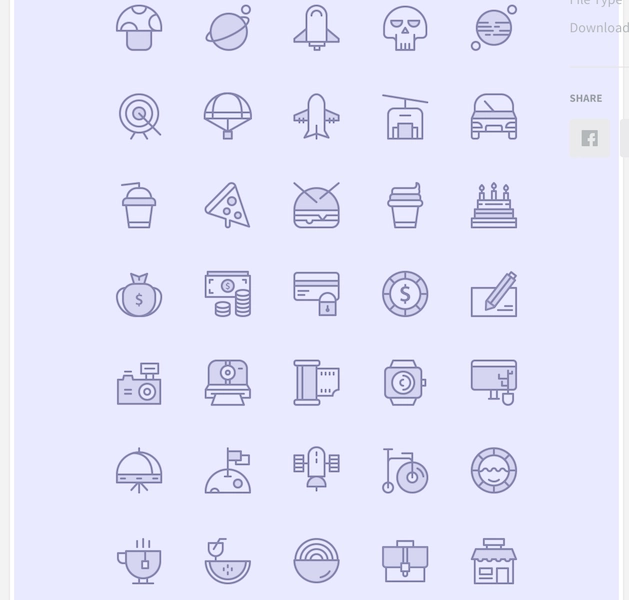
Birply Icons is a set of 48 icons that have a playful and colorful design. The icons are inspired by animals, nature, and objects. The icons are suitable for web, app, or game design. They can add a fun and lively element to your projects.
Icons are essential elements of any design project. They can convey meaning, emotion, and style. That’s why you need Adobe Illustrator Icon and the 8 best icon sets we have shown you. If you want to take your design to the next level, ONextStudio is here for you. We offer a range of services such as web design, branding, and marketing design services that will make your icons shine. Get in touch with us now and let’s work together.
Topic started 2 years
Last Post 2 years ago