
Logo Design
Creative Interior Design Logos: How to Make Your Brand Stand Out?
Topic started 1 year
Last Post 1 year ago
October 25

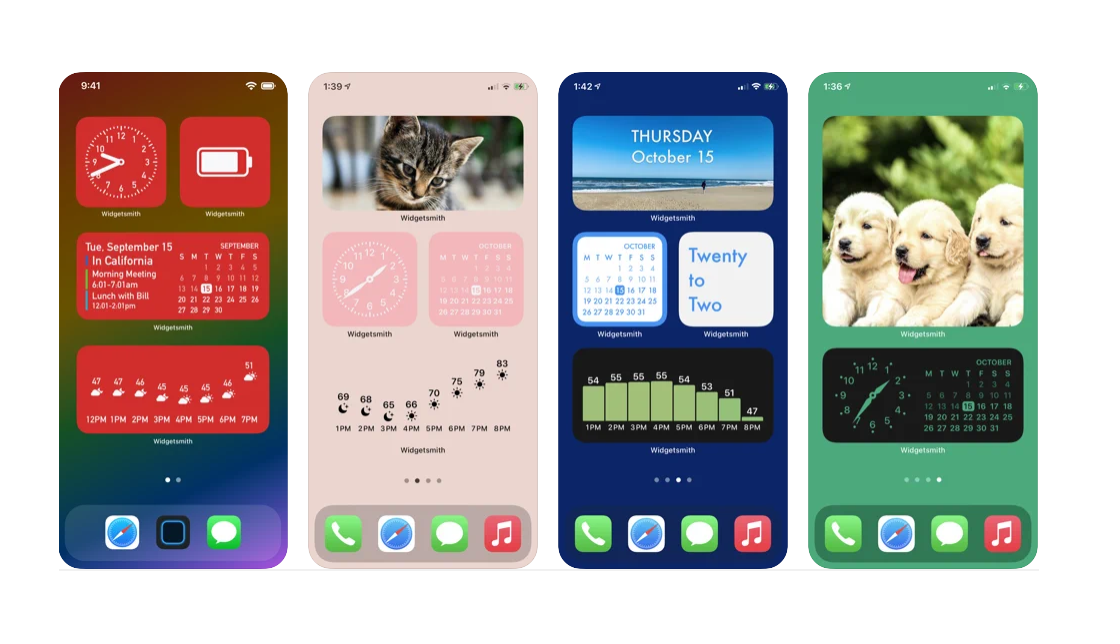
Widgets are small, interactive elements that you can add to your website to enhance its functionality and user experience. They can help you achieve various goals, such as increasing your traffic, leads, sales, and loyalty. In this article, we will share 10 widget ideas that will boost your conversion rate and SEO, along with some examples and best practices. Let’s get started!
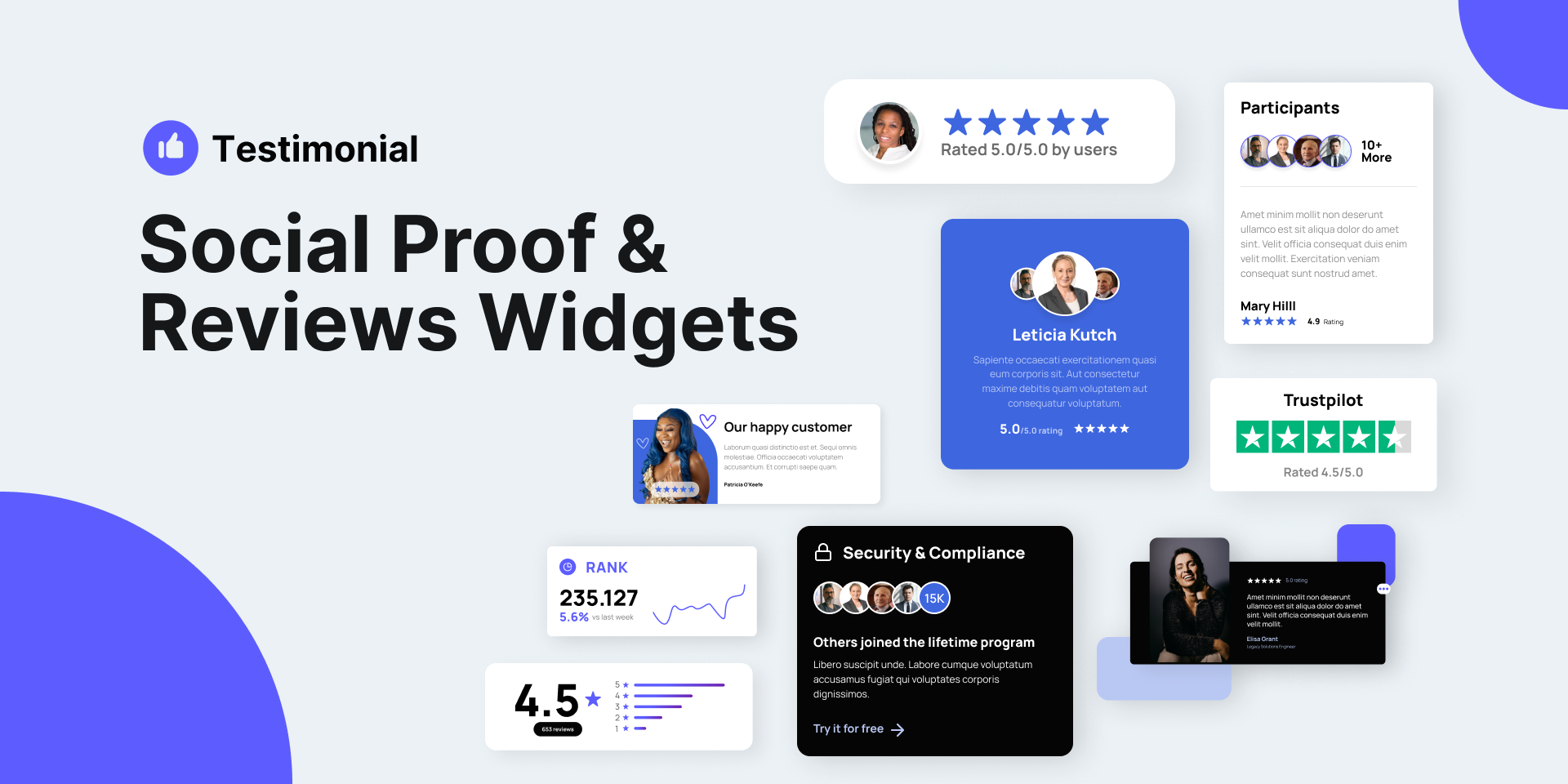
A social proof widget is a widget that displays the number of customers, reviews, ratings, or testimonials that your business has received. It helps you build trust and credibility with your visitors, as well as influence their purchase decisions. For example, you can use a social proof widget to show how many people have bought your product, how many positive reviews you have, or how many awards you have won. This will make your visitors more likely to buy from you, as they will see that others have done so and are satisfied with your offer.
Some best practices for using a social proof widget are:
A lead magnet widget is a widget that offers your visitors a free and valuable resource in exchange for their email address or other contact information. It helps you grow your email list, generate leads, and nurture your prospects. For example, you can use a lead magnet widget to offer your visitors a free ebook, report, checklist, webinar, or trial. This will make your visitors more likely to sign up for your offer, as they will get something useful and relevant to their needs.

Some best practices for using a lead magnet widget are:
A countdown timer widget is a widget that shows the remaining time until a certain event or deadline. It helps you create a sense of urgency and scarcity with your visitors, as well as motivate them to take action. For example, you can use a countdown timer widget to show how much time is left until your sale ends, your product launches, or your offer expires. This will make your visitors more likely to buy from you, as they will fear missing out on a great opportunity.

Some best practices for using a countdown timer widget are:
A chatbot widget is a widget that allows your visitors to interact with a conversational agent that can answer their questions, provide information, or guide them through a process. It helps you improve your customer service, engagement, and satisfaction. For example, you can use a chatbot widget to help your visitors find the right product, book an appointment, get a quote, or solve a problem. This will make your visitors more likely to stay on your website, as they will get instant and personalized assistance.

Some best practices for using a chatbot widget are:
An exit intent widget is a widget that pops up when your visitors are about to leave your website. It helps you reduce your bounce rate, increase your conversions, and retain your visitors. For example, you can use an exit intent widget to offer your visitors a discount, a free trial, a reminder, or a feedback request. This will make your visitors more likely to stay on your website, as they will get a last-minute incentive or value proposition.
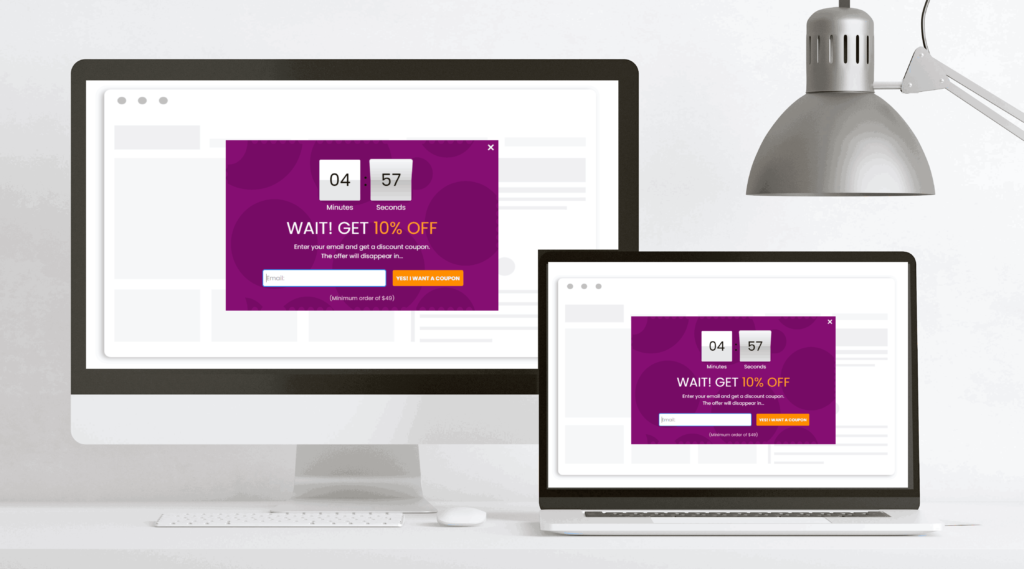
Some best practices for using an exit intent widget are:
An FAQ widget is a widget that displays the most frequently asked questions and answers about your product, service, or business. It helps you provide useful and relevant information to your visitors, as well as address their common concerns and objections. For example, you can use an FAQ widget to answer questions about your pricing, features, benefits, guarantees, or policies. This will make your visitors more likely to trust you, as they will get the answers they need and want.
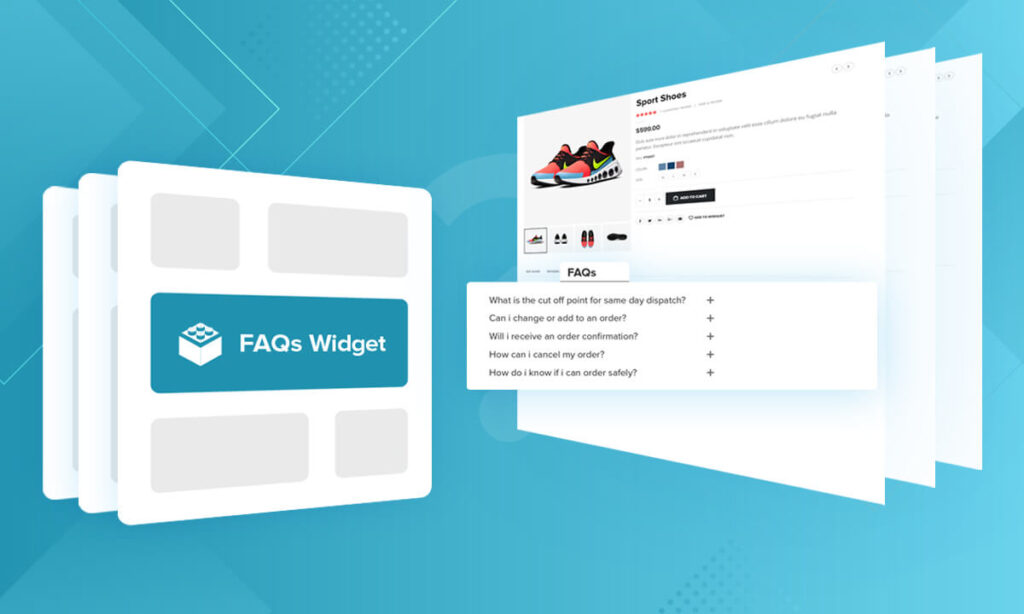
Some best practices for using an FAQ widget are:
A testimonial widget is a widget that showcases the positive feedback and reviews that your customers have given you. It helps you demonstrate your social proof, credibility, and value proposition to your visitors, as well as influence their purchase decisions. For example, you can use a testimonial widget to display the ratings, quotes, stories, or videos of your happy customers. This will make your visitors more likely to buy from you, as they will see the results and outcomes that your product or service can deliver.
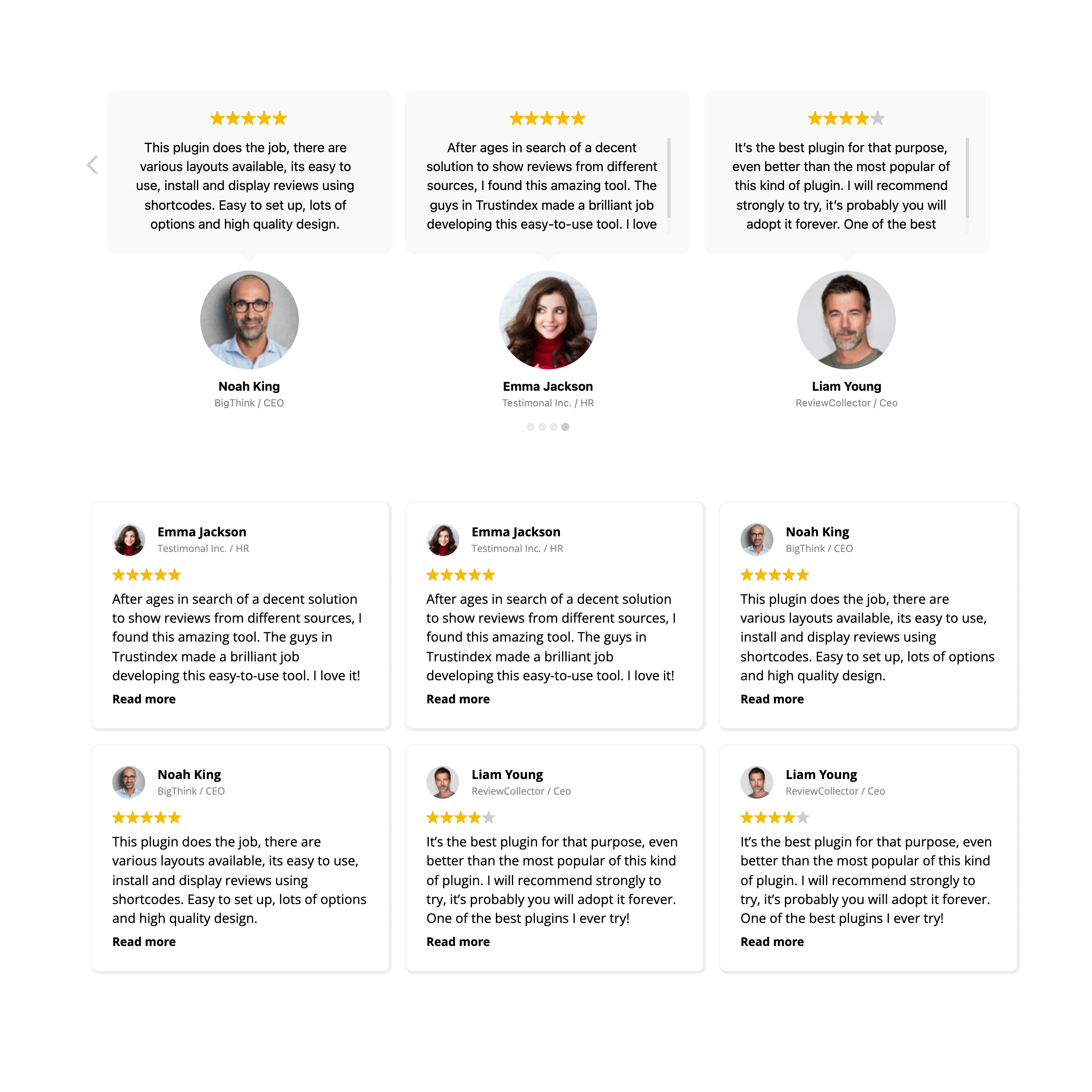
Some best practices for using a testimonial widget are:
A call to action widget is a widget that prompts your visitors to take a specific action that leads them to the next step in your funnel. It helps you increase your click-through rate, conversions, and sales. For example, you can use a call to action widget to invite your visitors to buy your product, sign up for your newsletter, download your ebook, or contact you. This will make your visitors more likely to move forward with your offer, as they will get a clear and direct instruction.

Some best practices for using a call to action widget are:
A content upgrade widget is a widget that offers your visitors a bonus or an extra piece of content that is related to the topic of your page or post. It helps you increase your dwell time, engagement, and lead generation. For example, you can use a content upgrade widget to offer your visitors a checklist, a cheat sheet, a template, or a case study that complements your content. This will make your visitors more likely to consume your content, as they will get more value and information.
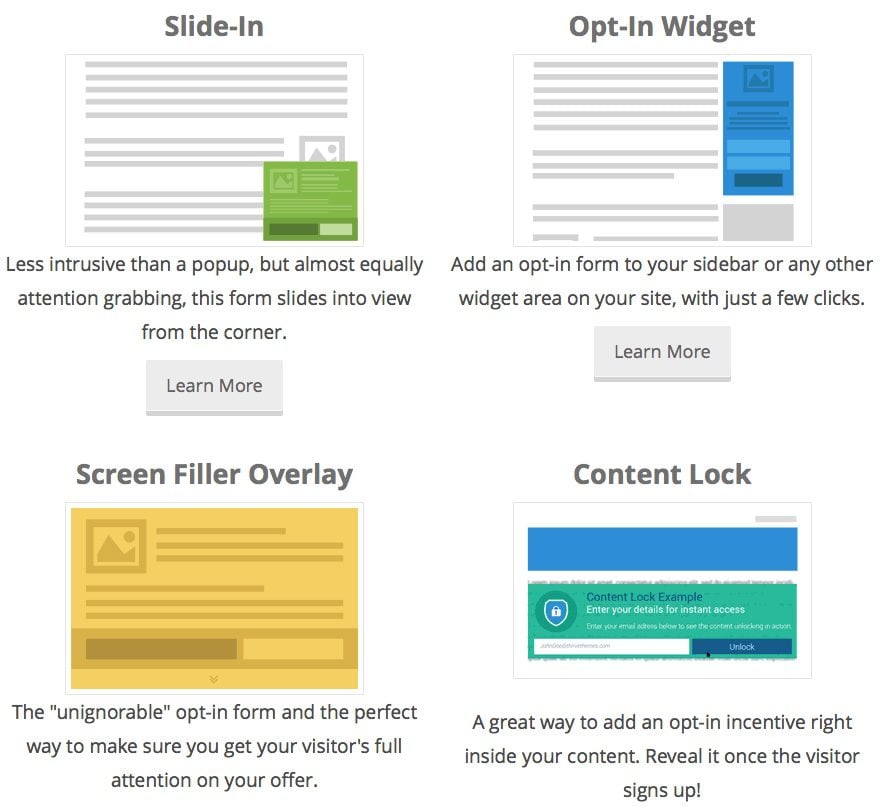
Some best practices for using a content upgrade widget are:
A survey widget is a widget that allows your visitors to answer a set of questions or give their feedback about your product, service, or website. It helps you collect valuable data, insights, and opinions from your visitors, as well as improve your customer satisfaction and loyalty. For example, you can use a survey widget to ask your visitors about their satisfaction, preferences, needs, or suggestions. This will make your visitors more likely to share their thoughts with you, as they will feel valued and appreciated.

Some best practices for using a survey widget are:
Thank you for reading this article and learning about 10 widget ideas that will boost your conversion rate and SEO. Widgets are an essential part of any successful website. They can help you provide useful and relevant information, create a sense of urgency and scarcity, improve your customer service and satisfaction, and more.
If you want to create or improve your widgets, you can reach out to us at ONextStudio. We are a web design agency that can help you with web design, branding, marketing design, app design, and CRM & auto marketing automation solutions. We have the skills and experience to make your website stand out and achieve your goals. Contact us now and let us show you what we can do for you.
Topic started 1 year
Last Post 1 year ago